
Description
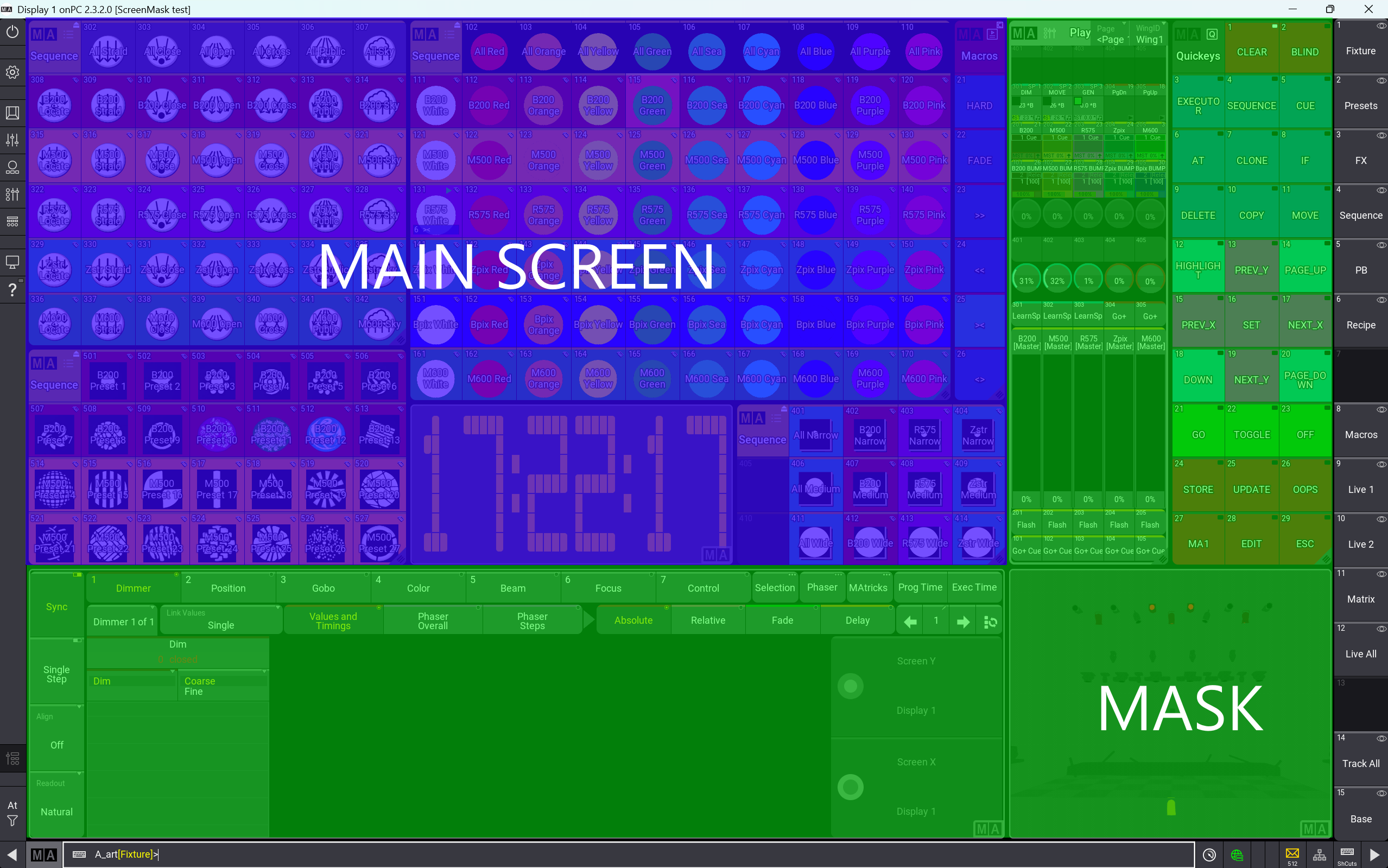
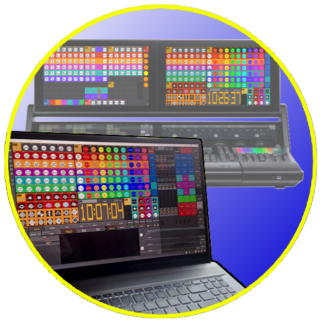
When you use GrandMA3 onPC for offline editing and an MA console for live control, you will notice that you will normally have more space on your onPC screen than that you have on the console screens. It is nice to have more space, but we also need seamless compatibility between offline editing and live show control.
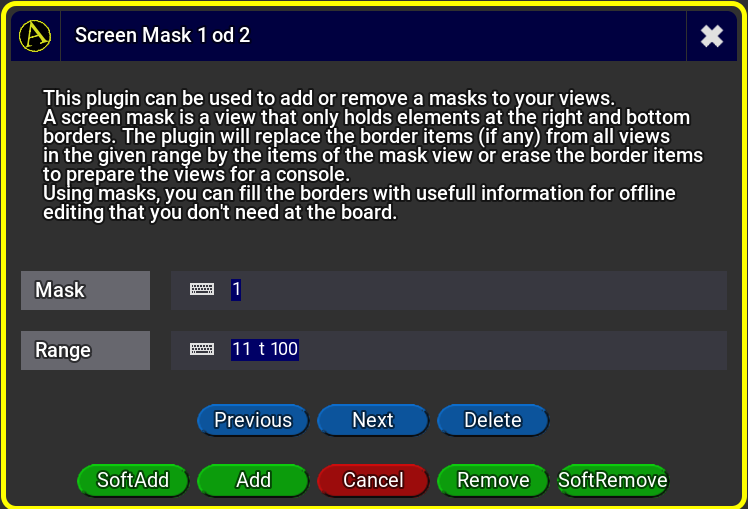
Screen Mask is designed to fill the extra space in onPC with elements that are not necessary on a console in a live situation, but very useful when you work with onPC without additional hardware. For this, Screen Mask let you create a mask view that can be added to a range of views. In this mask view you can at any element, but it will be a good place to have for example Quickeys, Playbacks or a small 3D view.
Since Screen Mask can apply the same mask to a range of views, it gives you a fast way to create a set of Quickeys on all of your views. Even if you want to change the elements in the mask, you only have to change them ones and then you can apply them to all views. You can create several masks for different sets of views and keep some views without a mask for sole use with onPC.
For showtime, when you just need the main screens on the console, you can use the plugin to remove the masks from your views to have them fit to the console screen. After the show, you can place them back in with just a few clicks.




Reviews
There are no reviews yet.