
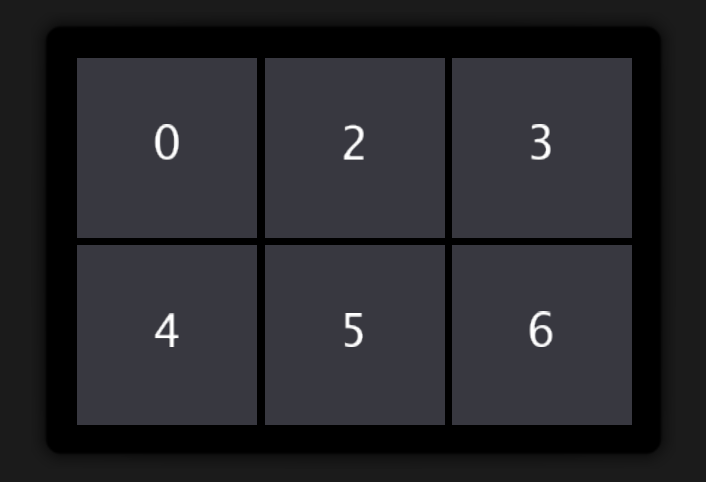
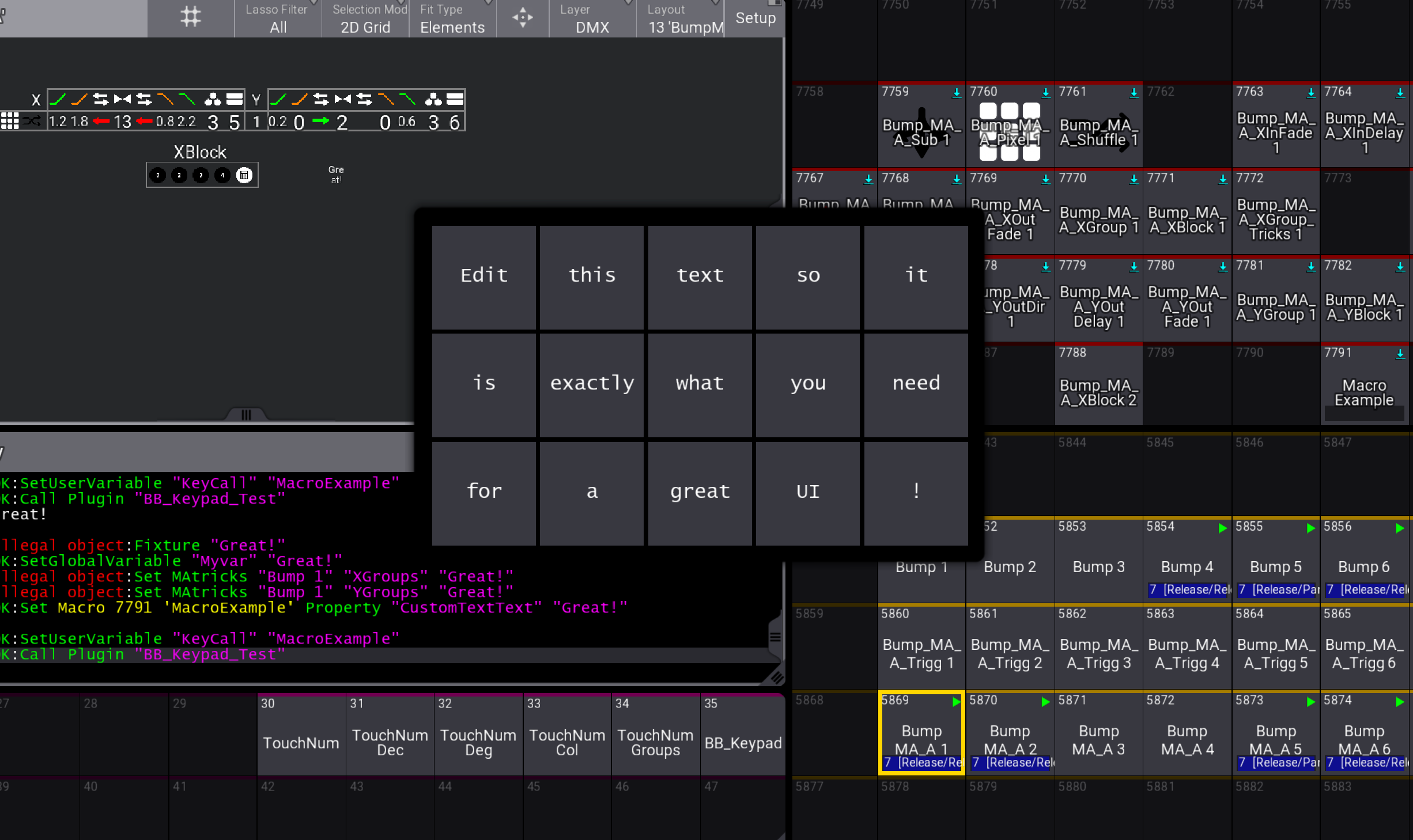
Description
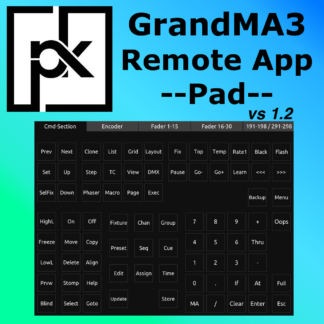
Byte and Beam Presents: Keypad
A fast, touch-friendly input panel for grandMA3.
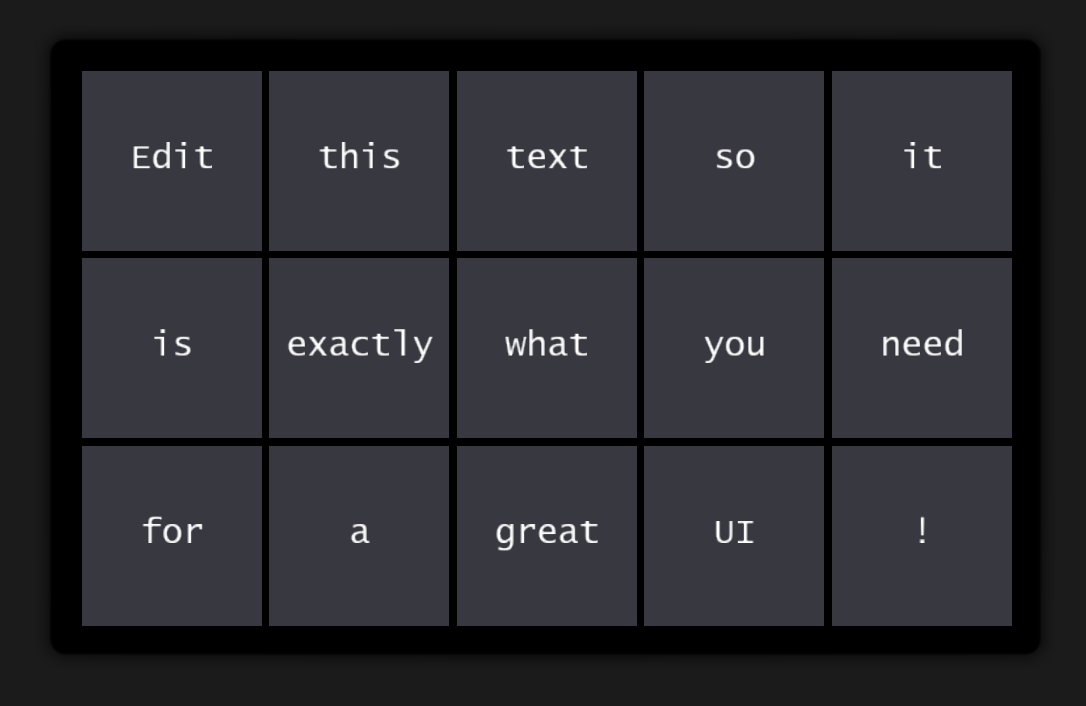
Bring up your custom keypad, tap once, use the value, and continue your workflow instantly. No clutter, no small font onscreen keyboard, no unnecessary “Please”.
Designed for live programming, touring shows, and muscle-memory operation:
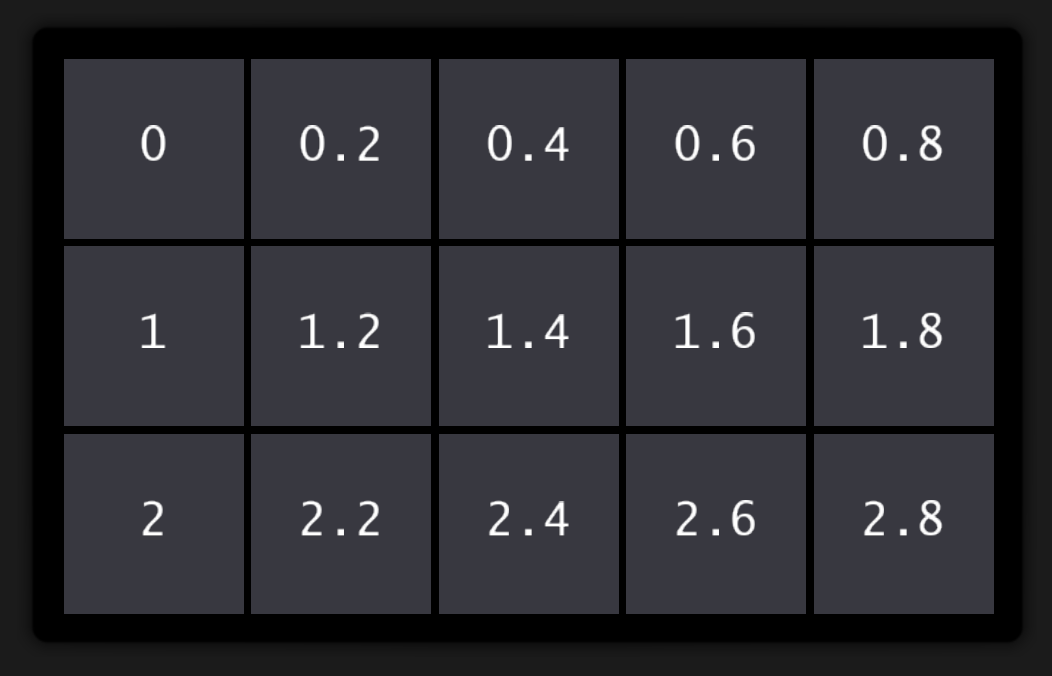
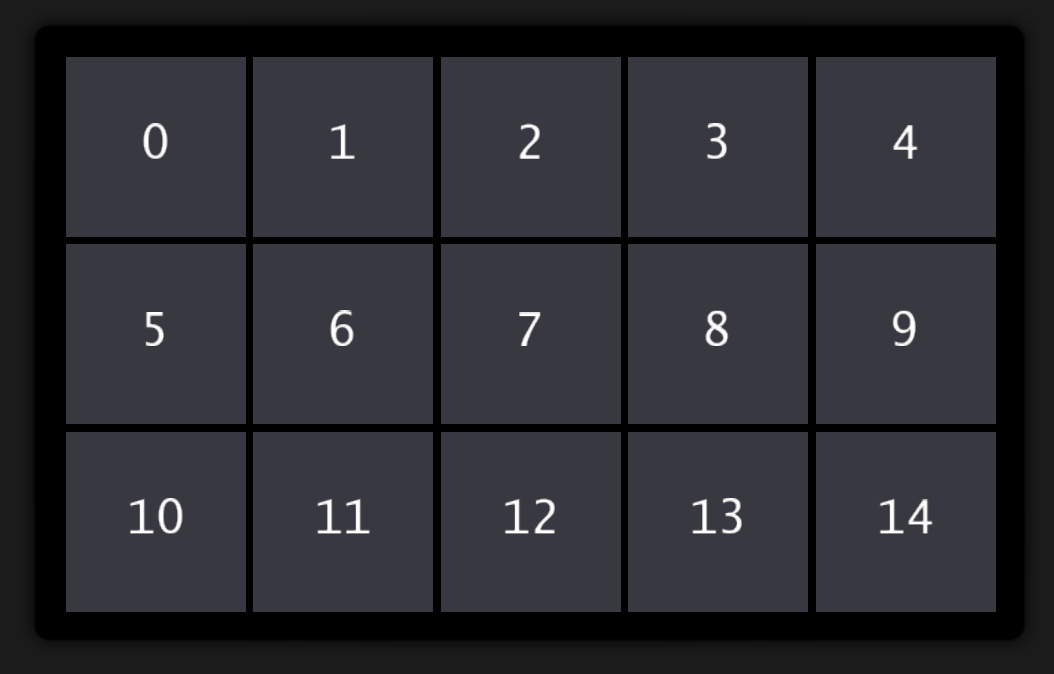
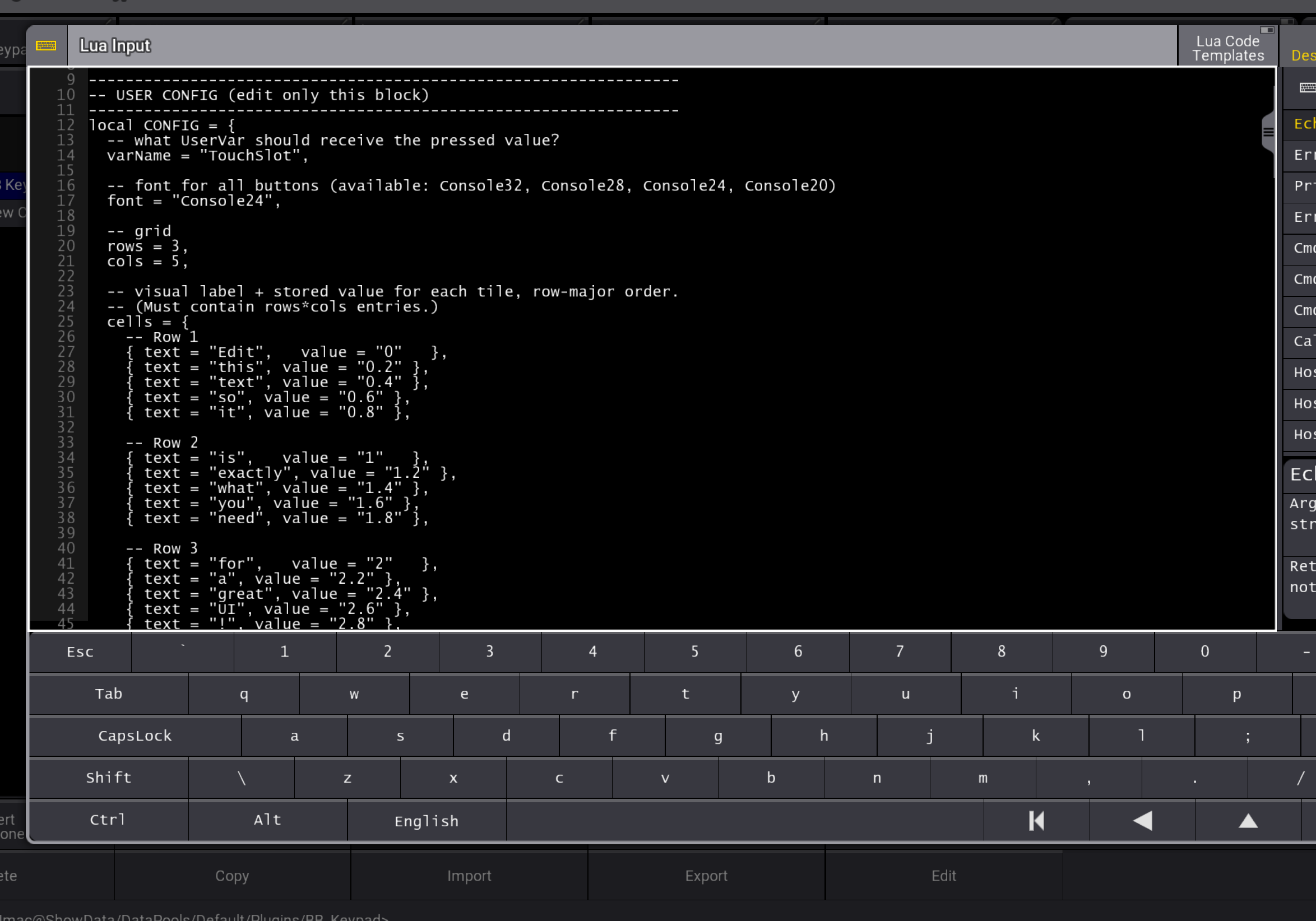
– Fully customizable values, fonts size, columns and rows
– Macro-ready workflow, trigger keypad by macro and then retrigger the same or a different macro with a value.
– Consistent layout across all displays
– Built for speed under pressure
Compatibility and notes
- V1.0, release date 20260211
- Developed & tested on grandMA3 v2.3.2.0.
- Intended for grandMA3 consoles and onPC, v2.2+.





kuba –
Great and usefull plugin. It would be nice to be able to create multiple keypads in single plugin. Also option for triggering macro directly inside plugin instead of variable
Verified purchase. More information
ludvig –
Thank you for your feedback! I am not sure I understand it correctly. You copy and paste the plugin so you can create as many custom keypads as you want. Do you mean something else? You can trigger a macro from the plugin, you change the macro trigger value from false to true and set your custom variable to the macro you want it to trigger.
Philip –
I love this plugin. Great work.
2 ideas i had which would make it even better for me:
– The Possibility to make it that a longer Label Text gets written in more then 1 row so it all fits in the button.
– The Possibility to add a appearance to each button in on Keypad individually
Verified purchase. More information
ludvig –
Thank you Philip!
Your first is an easy fix, you make rowbreaks with \n. For example First\nSecond will print:
First
Second
Your second idea is actually what I wanted to do when I started the development but I gave up that idea because I could not find a Lua solution to the problem. Maybe in the future.
Thanks for sharing your ideas!