
Description
What is MADeck?
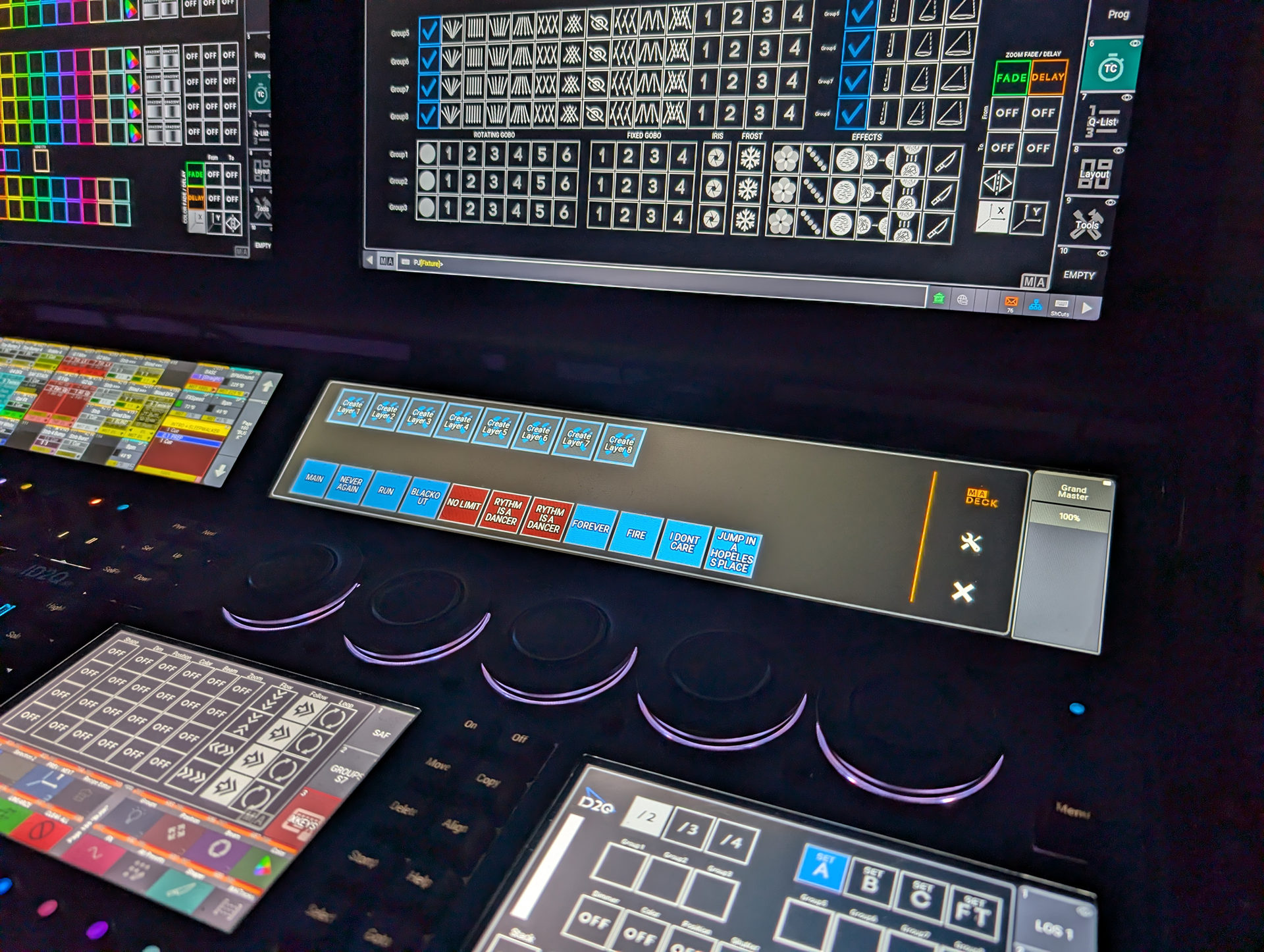
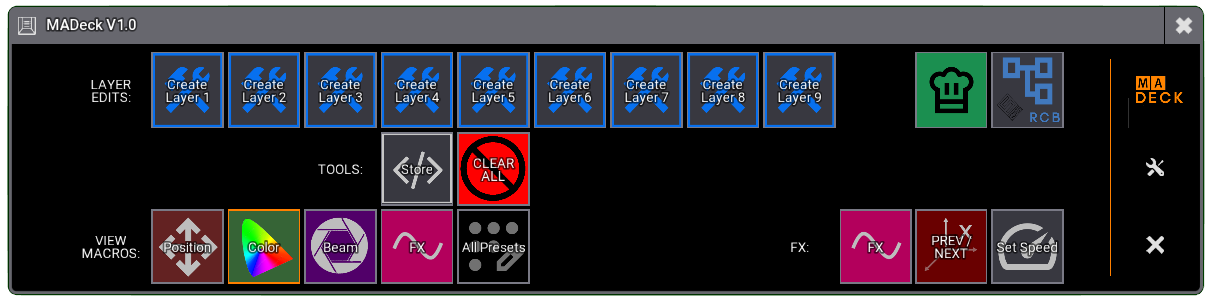
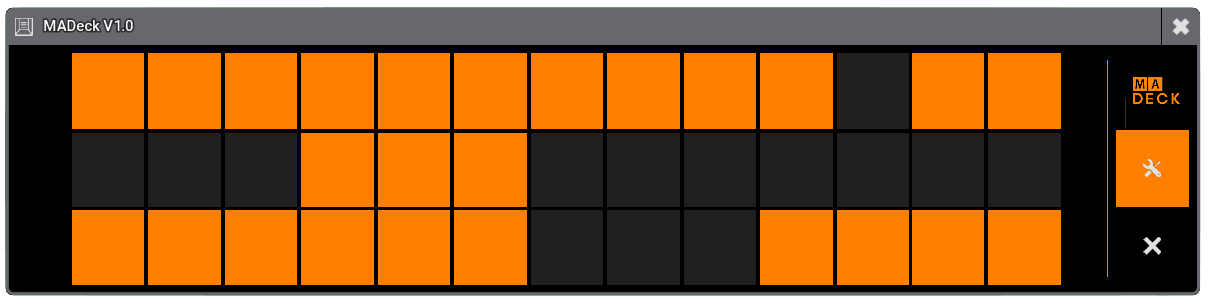
MADeck is a fully customizable touch-based control panel for grandMA3 that gives you instant, visual access to the actions that matter most.
At its core is a clean 39-button grid, where each button can trigger a sequence, macro, plugin, or custom command — turning your screen into a fast, responsive command surface built around your workflow.
The full features and workflow can be found here: USER MANUAL
Why MADeck?
MADeck is built around one idea: make the system your own.
It gives you the freedom to design your own control surface inside MA3 — whether that’s:
- Extra buttons for busking
- A dedicated programming toolset
- A pop-up keypad you open when needed
- A way to organize and streamline your existing workflow
Anything you can imagine, you can build.
In many real-world situations, faders and buttons quickly become prime real estate.
MADeck extends your console without adding hardware — acting as a built-in, fully customizable Stream Deck for MA3, deeply integrated into your showfile.
Place It Anywhere
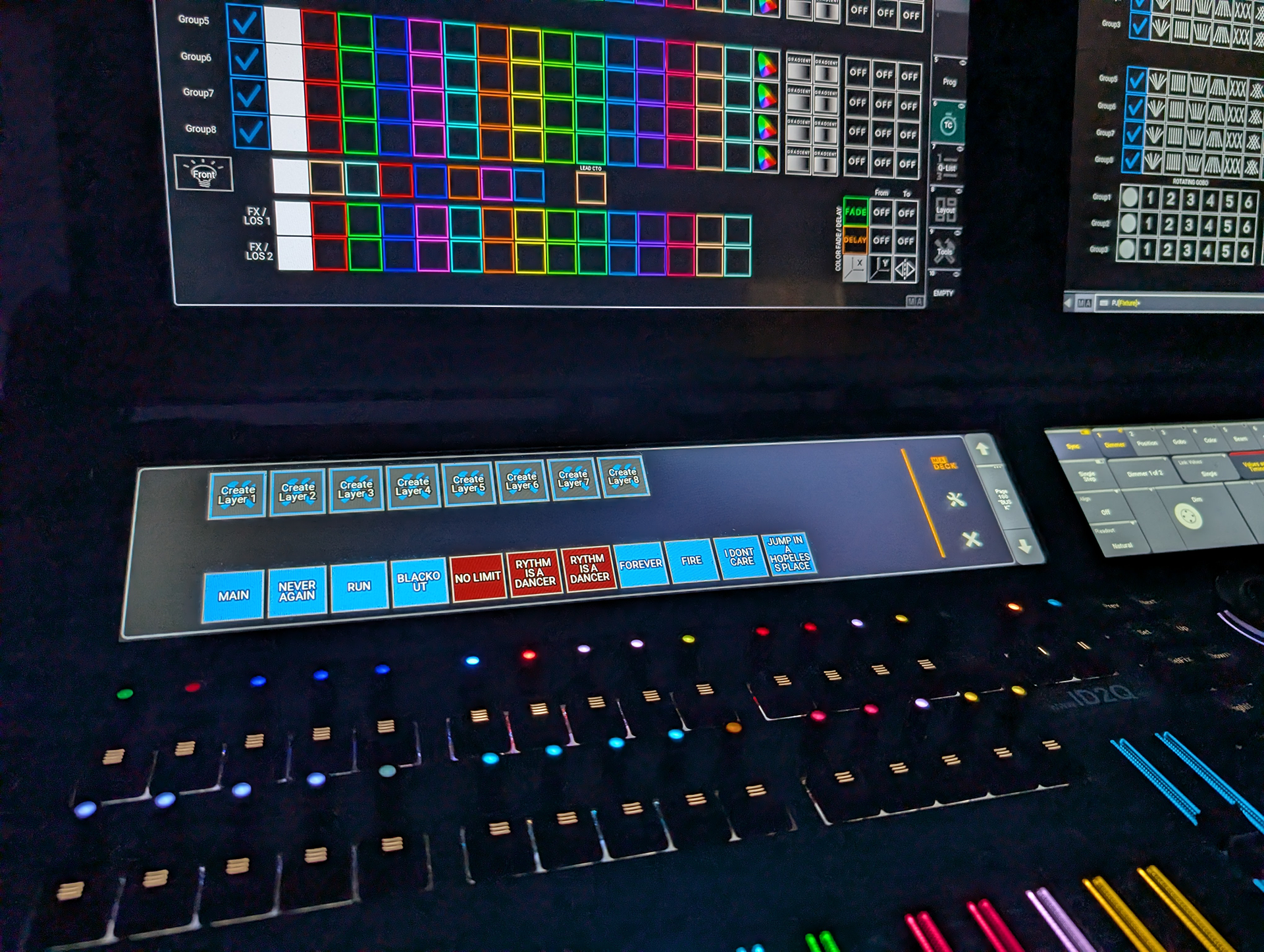
MADeck can be placed on any MA3 screen, giving you full flexibility in how you use it.
- Works on main screens, secondary displays, and touchscreens
- Maintains a consistent layout across all displays
- Can be neatly fitted into MA3 letterbox screens
Because it can be opened and closed instantly, it allows screens — especially letterbox areas — to become multi-functional, adapting to what you need in the moment.
Instead of changing your setup, MADeck adapts to it.
A Visual Extension of Your Show
MADeck doesn’t just trigger actions — it reflects them.
- Buttons inherit the appearance of assigned objects
- Colors and labels stay consistent with your showfile
- Clear visual feedback improves recognition and speed
This creates a direct connection between what you see and what you trigger — reducing errors and increasing confidence during operation.
Flexible Control System
Each button can be configured to trigger:
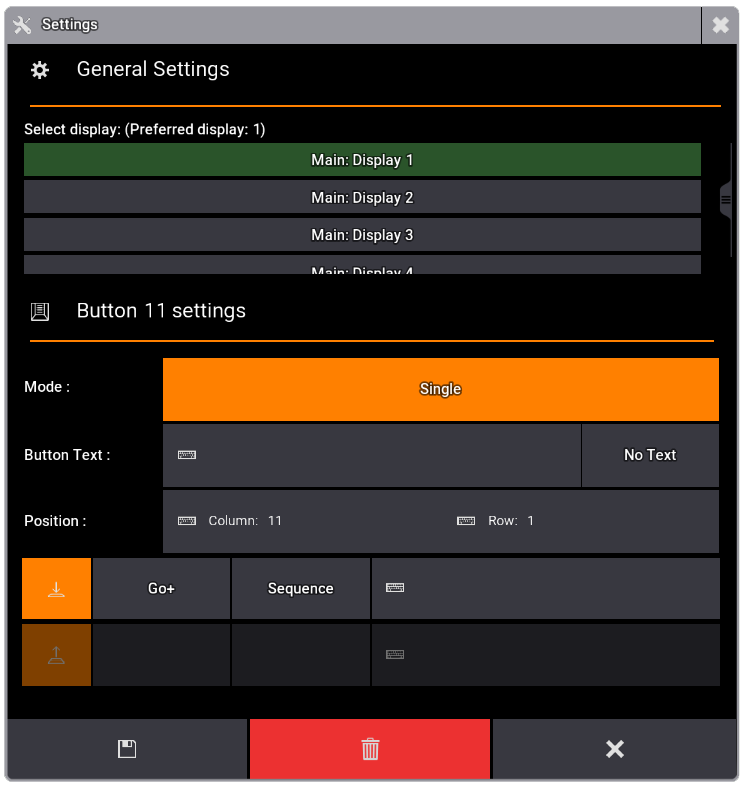
- Sequences (Go+, Go-, On, Off, etc.)
- Macros
- Plugins
- Custom commands
Configuration is fast and visual, allowing you to build, adjust, and refine your layout without breaking your flow.
Compatibility
- grandMA3 v2.3.2 or higher
- Works on both console and onPC
🚀 Future Development
MADeck is designed to grow.
Planned features include:
- Fader support
- Multiple profiles / layouts
- OSC integration
- MIDI integration
- Additional workflow enhancements
MADeck V1 is the foundation — development will continue based on real-world use and feedback.




Reviews
There are no reviews yet.