






Description
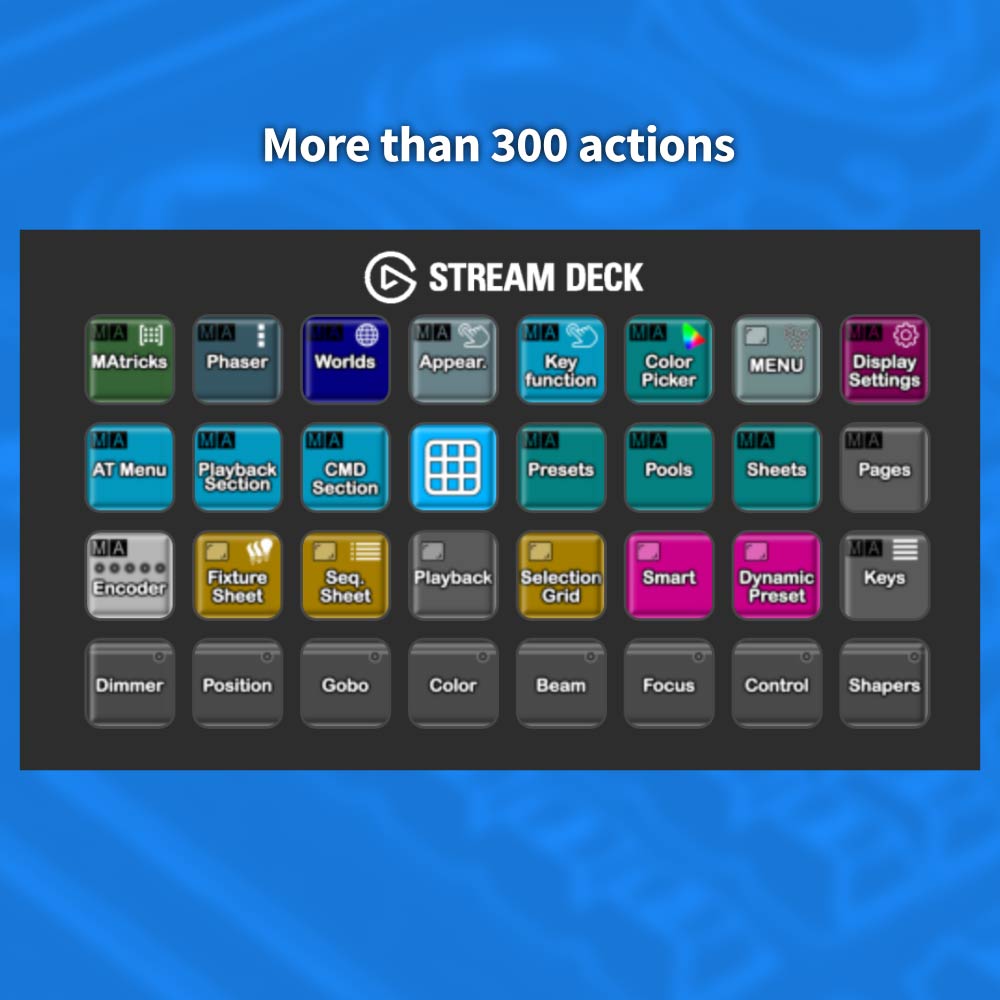
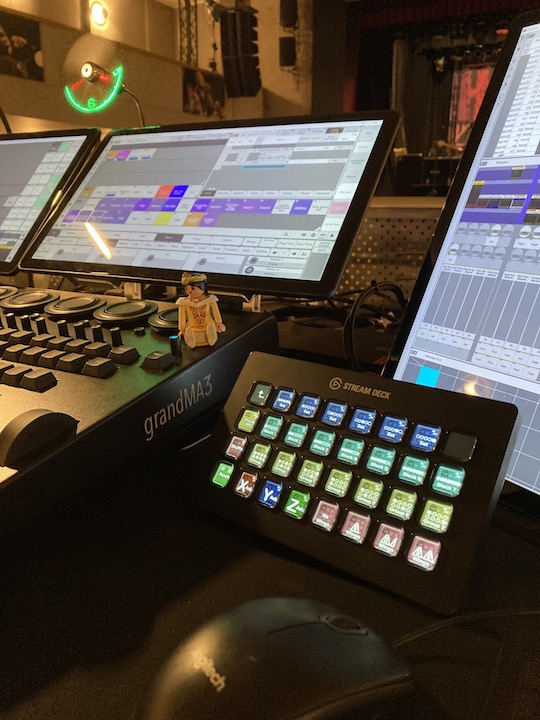
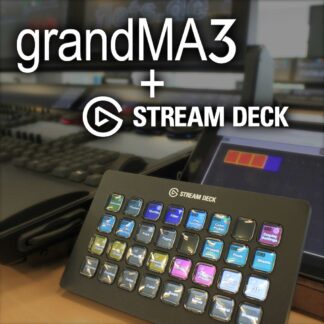
The grandMA3 Stream Deck Setup is an excellent addition to the grandMA3 console with around 300 functions. An indispensable helper, especially for pre-programmingon the go with a laptop.
Installation instructions are included. No macro or plugin is required. the information is sent directly from the stream deck to the console. The strem deck can be used immediately and easily with any show file.
With over 300 functions, the Stream Deck configuration is undoubtedly one of the most useful external helpers when programming the grandMA3. First and foremost is the Command Section. Whether you are in a hotel, on the train, or at your desk in the office, the Command Section on the Stream Deck makes pre-programming on the computer extremely effortless.
When configuring the console, the Stream Deck Configuration provides support for customizing colors, appearance, executor configuration, feature group selection, pools, and preset selection.
During show programming, the ease of use of MAtricks, Phasers, AT Filters and Worlds is undoubtedly a time saver that should not be underestimated.
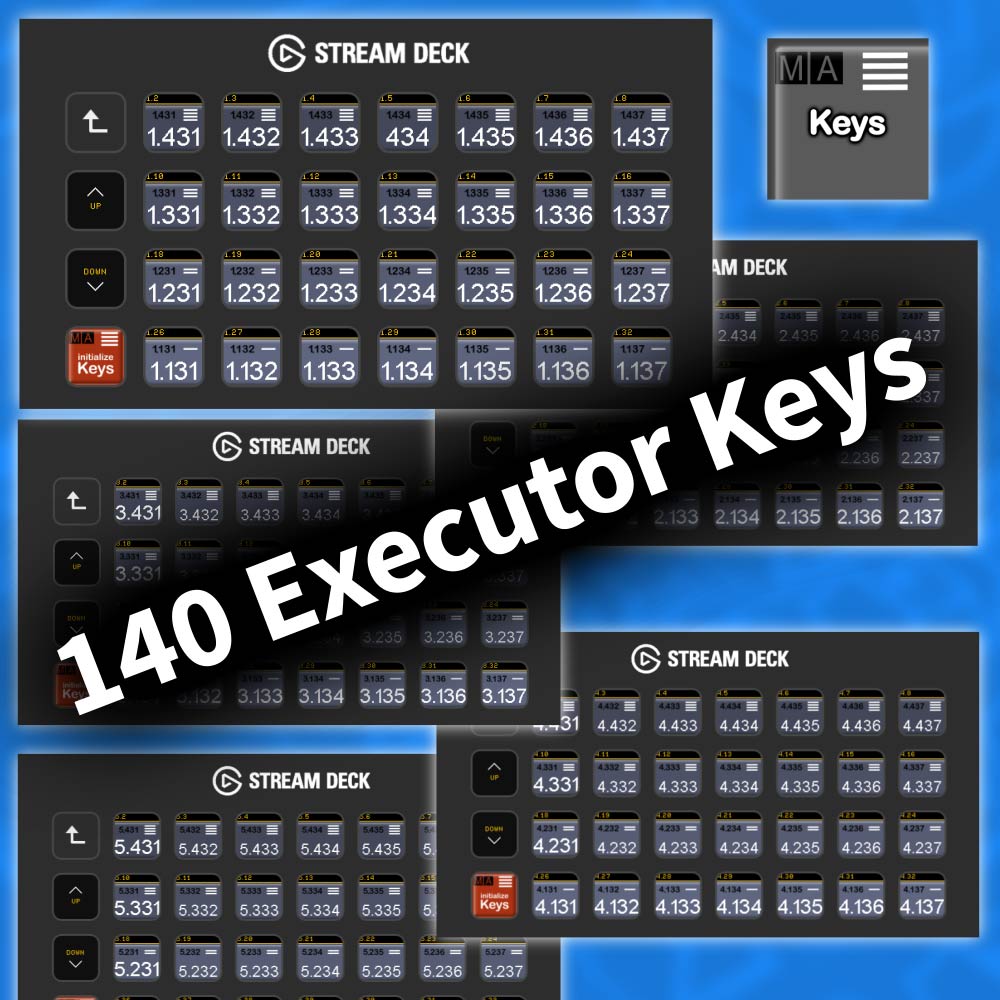
In addition, the Stream Deck in conjunction with this configuration allows direct access to an additional 140 executors.
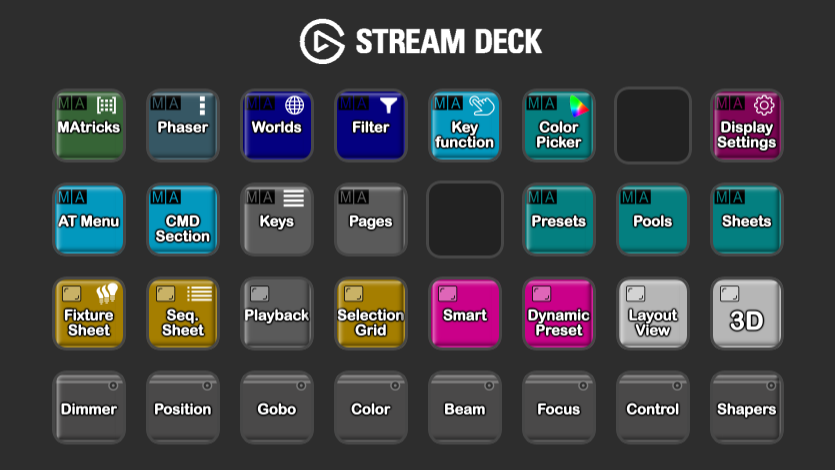
Click on a Button to see how it works.
More Details

The MAtricks menu gives you direct access to the MAtricks functions.
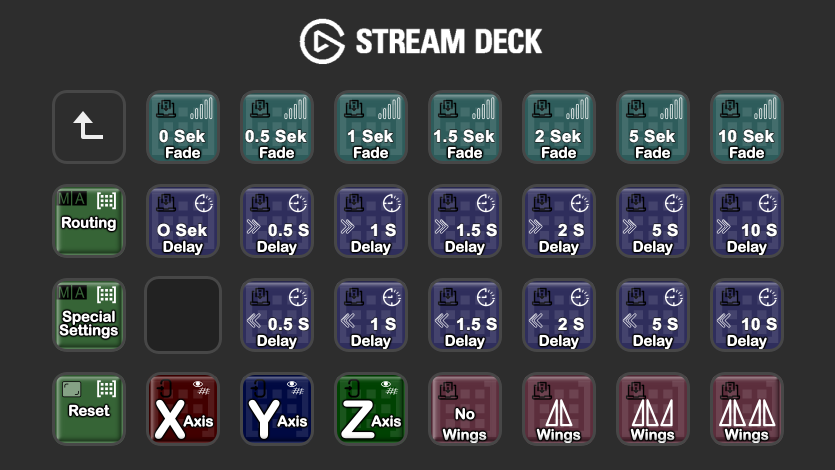
In order to be able to work with this setup, an axis must first be selected with the X, Y, Z keys.
Then you have direct access to fade and delay times. Wings can also be selected directly.
Use the reset button to reset the settings.

Use the routing key to get into this menu.
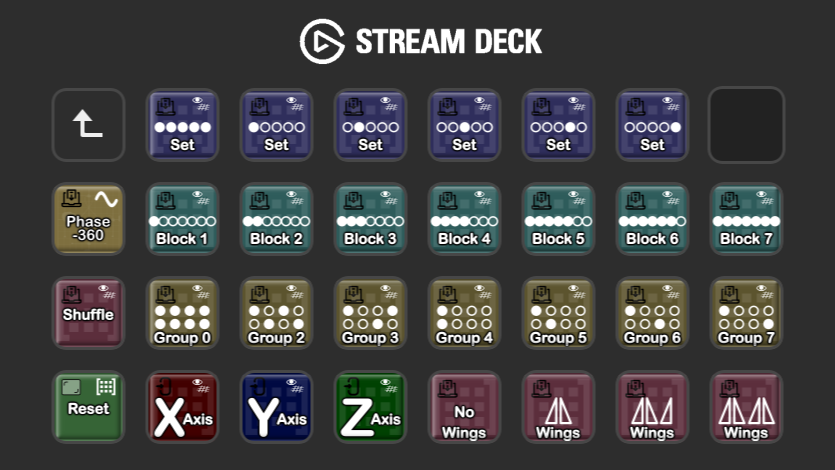
In order to be able to work with this setup, an axis must first be selected with the X, Y, Z keys.
Put your fixture selection right on the top line.
Select blocks and groups directly to create selection groups or adjust your phasers.
Choose wings or use the shuffle function directly.
Phase -360 allows you to apply the selection directly to a phaser.

The special settings menu gives you individual options.
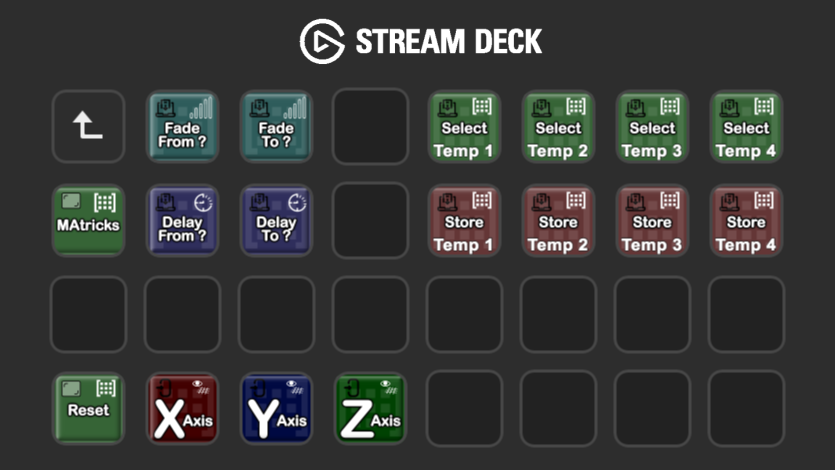
In order to be able to work with this setup, an axis must first be selected with the X, Y, Z keys.
Fade from >> To allows you to create your own fade times.The same works with delay from >> to for delay times.
You can combine ALL settings, even in different axes. These settings can be saved with the temp button. The saved settings are then available for direct access until they are overwritten again.So you have 4 direct storage locations.
The MAtricks button opens the MAtricks window on a monitor of your choice. Please have a look at the menu item Display Settings.

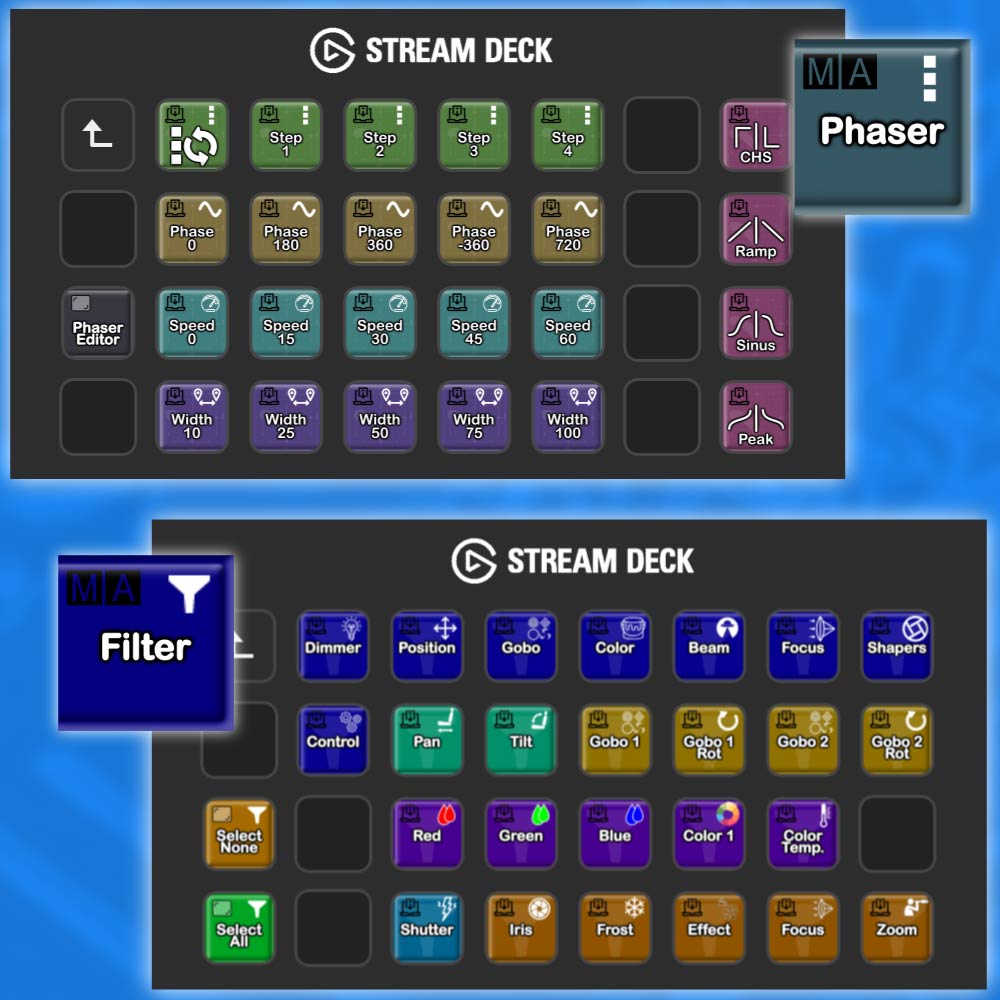
Go directly to the phaser settings with the phaser key. This menu gives you direct access to the most important phaser settings.
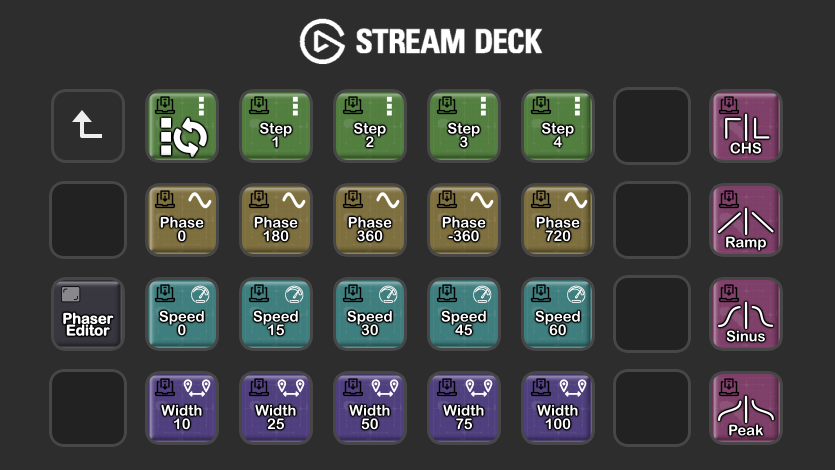
With the step buttons I can directly select a step to be edited or add another step.
With phase I can specify direct phase settings.
Speed selects an absolute speed and with width you can select a step size.
It is also possible to specify a waveform for one or more steps, so that e.g. sawtooth waves are also possible.
The phaser editor button opens the phaser editor window on a monitor of your choice. Please have a look at the menu item Display Settings.

Easily create your own worlds that you can use while programming or playback.
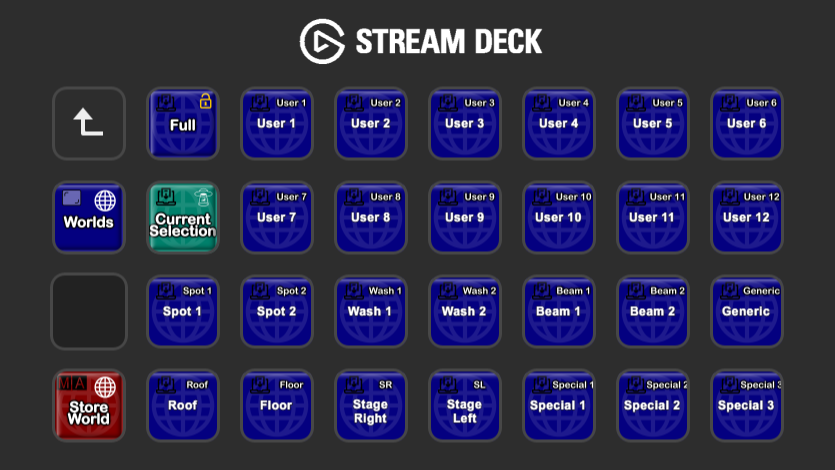
In this world pool you can instantly switch between the different worlds with one button click.
The current selection button can be a savior in an emergency. Press it and the current selection will be temporarily saved in a world and selected immediately.
The worlds button opens the world pool window on a monitor of your choice. Please have a look at the menu item Display Settings.

To save the worlds, simply switch to the save mode.
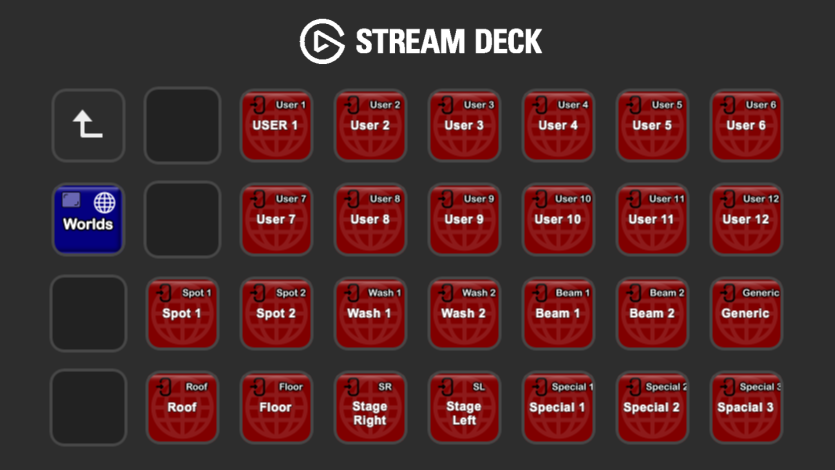
The current selection is saved in this world by simply pressing a button.

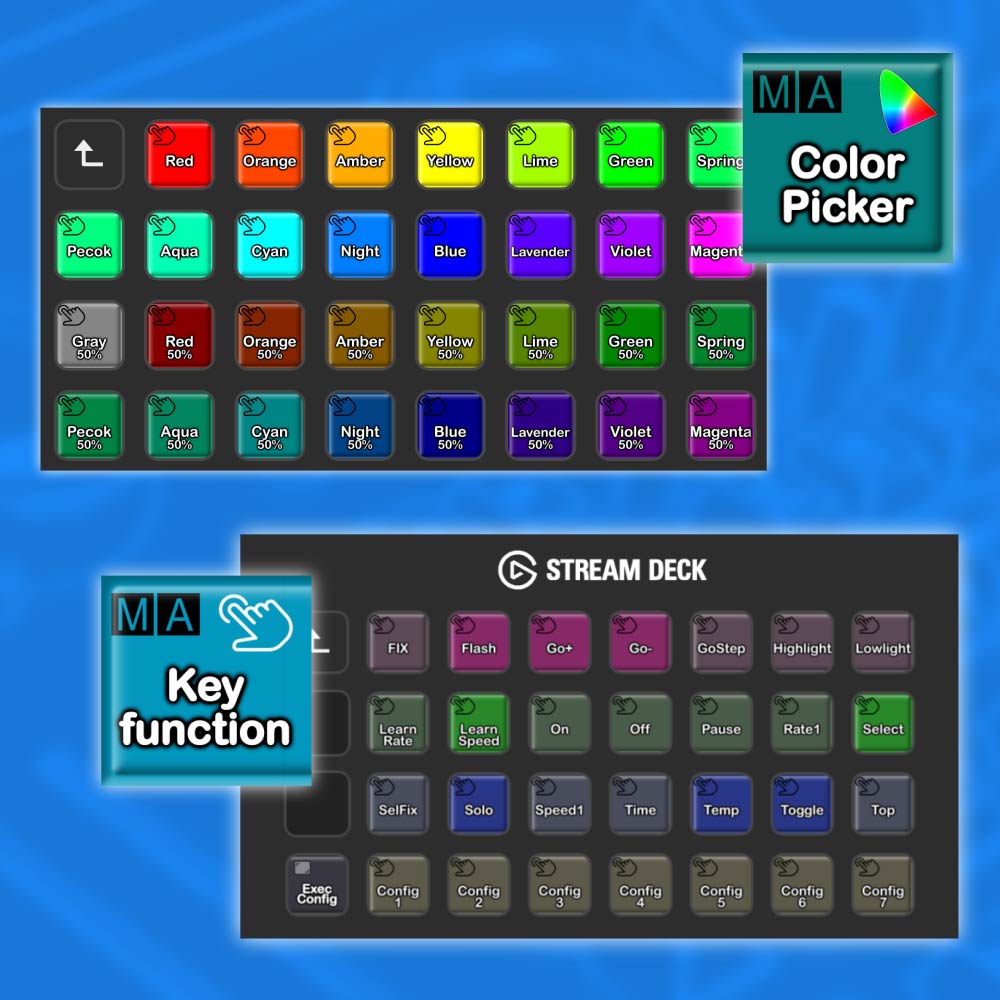
The Appearance menu gives you the possibility to assign appearances directly.
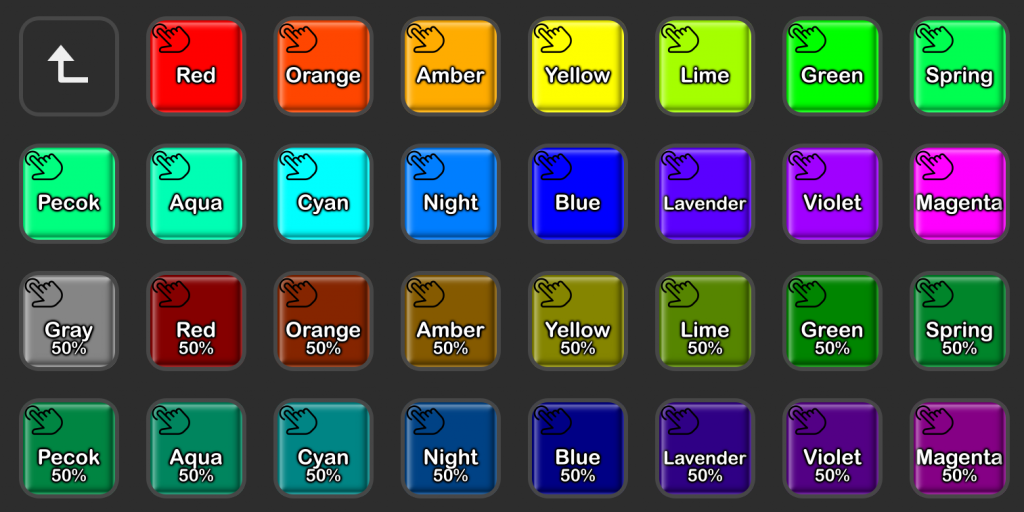
| No more annoying opening of the “APPEARANCE” pool. |
Choose the desired color and assign it directly to an object.
The corresponding pool object is created directly and can then be used easily.
Choose and assign color. 2 buttons, it couldn’t be easier.

The fastest way to assign functions to the button.
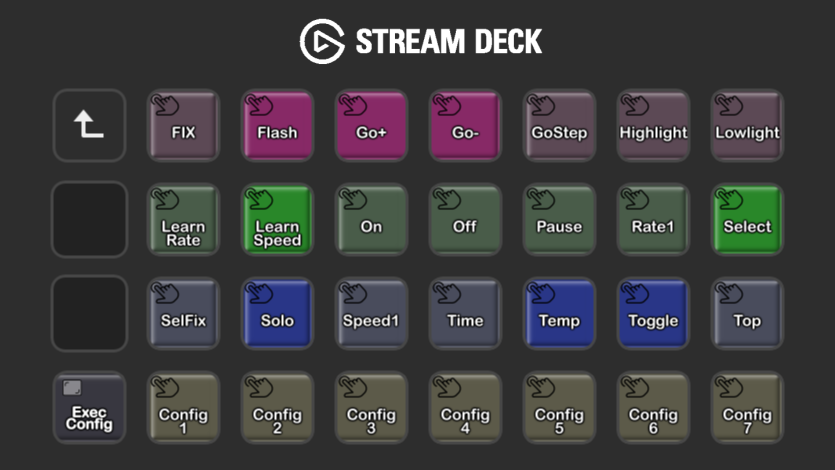
Absolutely nothing is faster when it comes to assigning a function to an executor.
Simply select the function on the stream deck and then press the corresponding executor. Done, the executor becomes a FLASH, TOGGLE, SOLO .. or whatever.
Entire fader / executor combinations can be assigned in the lower row.
The Exec. Config button opens the Executor Configuration pool window on a monitor of your choice. Please have a look at the menu item Display Settings.

Bored creating the color palettes?
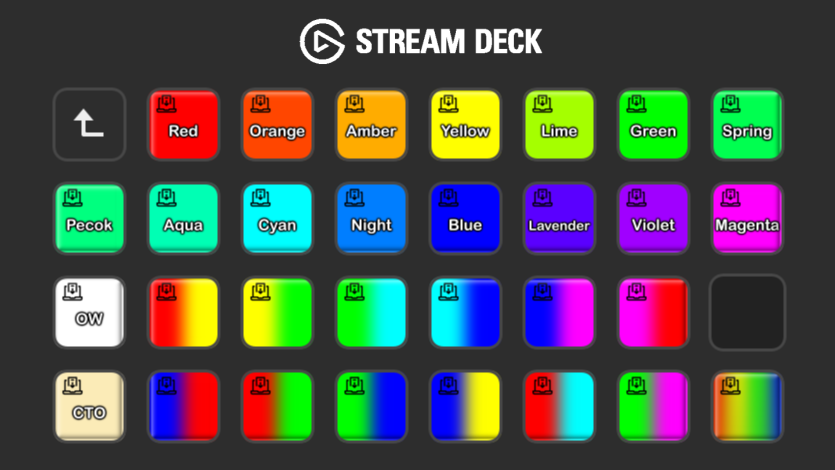
Simply press on a color and for the selected fixture with RGB color mixing the color values are written into the programmer. Then these can be transferred directly to pallets.
The prepared color gradients can also be combined with the MAtricks.

Many windows can be opened directly with the help of the stremdeck. But beforehand it has to be determined on which display these should be shown.
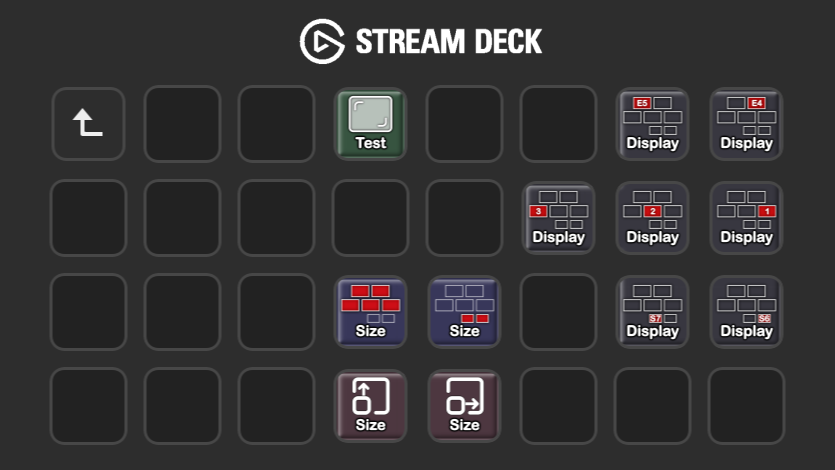
First select your display on which the information should be shown.
The size of the window is determined automatically, but can also be adjusted individually.
The test button opens a window to check the settings.

You have all ATmenu functions on hard keys.
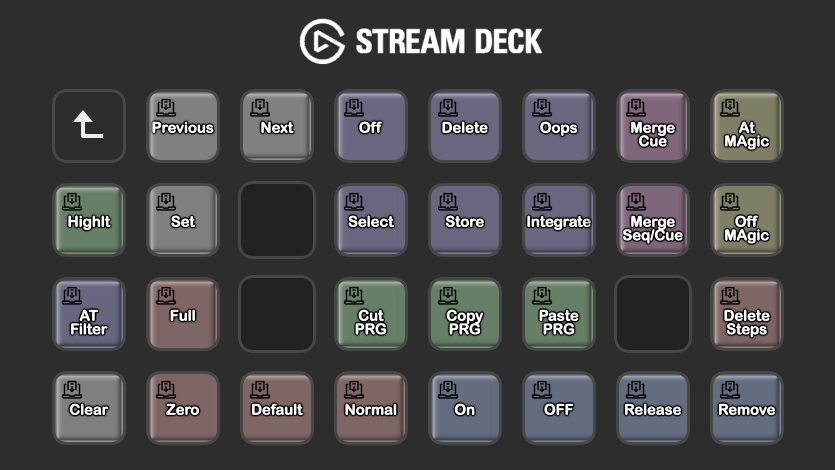
With the stream deck, all ATmenu functions are now also available as hardkeys.

For preprogramming or wherever the OnPc system is used. Full functionality with the command section.
For the command area to function correctly, the corresponding connections must also be created in a new show file. These are created in the display settings area.
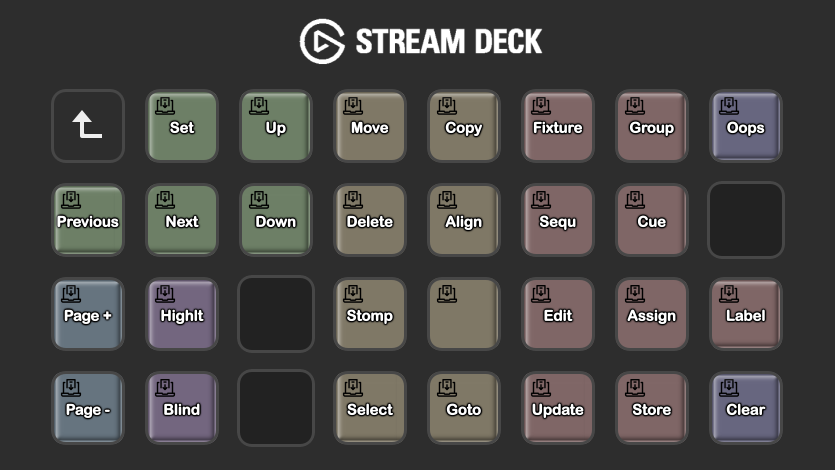
Preprogramming is most annoying because the grandMA3 specific hardware is missing.
With this stream deck configuration, programming is now possible without the annoying CMD overlay display. All programming commands can now be selected directly.
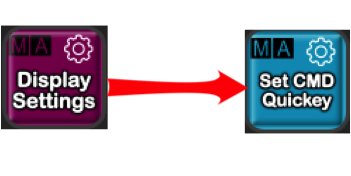
For the command area to function correctly, the corresponding connections must also be created in a new show file. These are created in the display settings area.

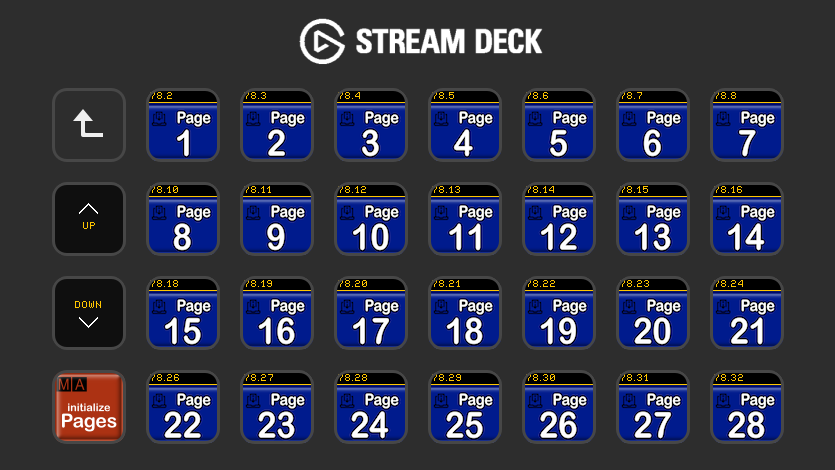
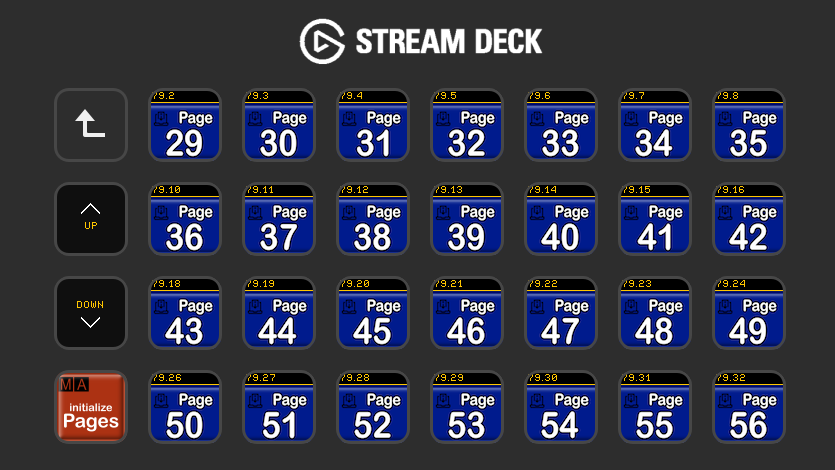
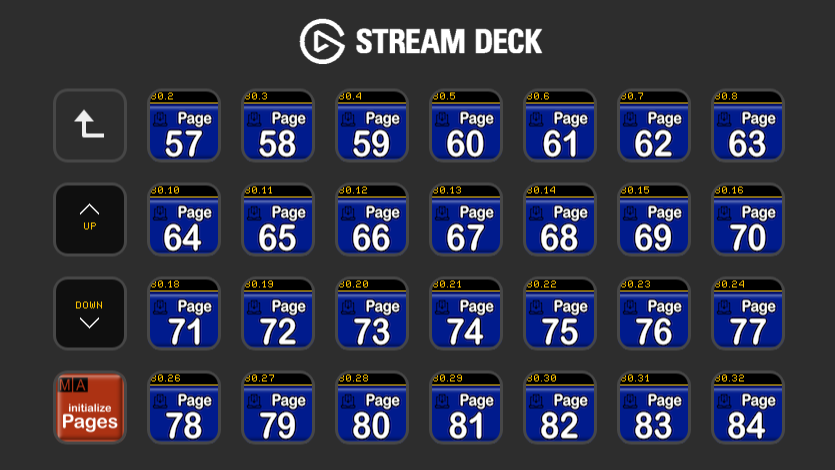
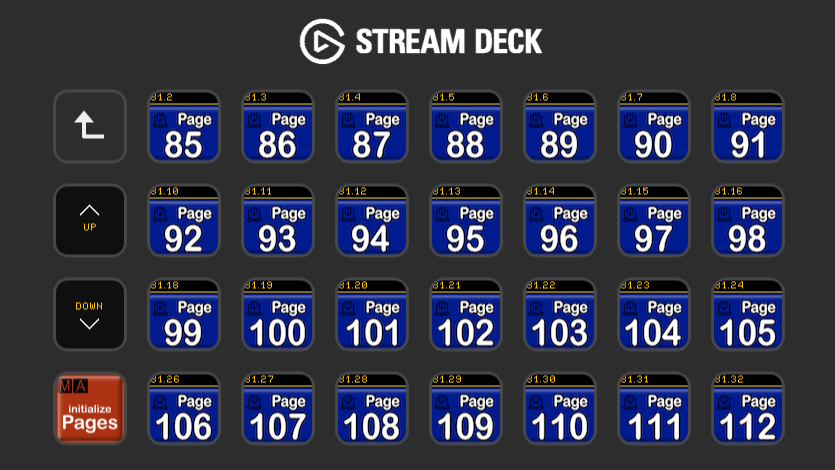
28 Additional direct executors. 140 sequences can be executed directly.
5 pages full executor for direct access to sequences are available. For programming, these are located on pages 1-5 and wing 3. Of course these can also be labeled yourself, or your own images can be loaded. The labeling of the gma3 button is not yet adopted in this version. It can happen that after calling this page the keys have to be initialized the first time.
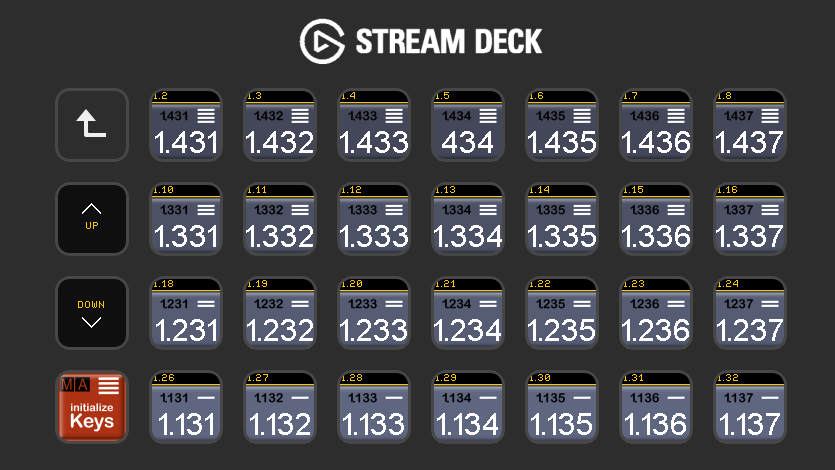
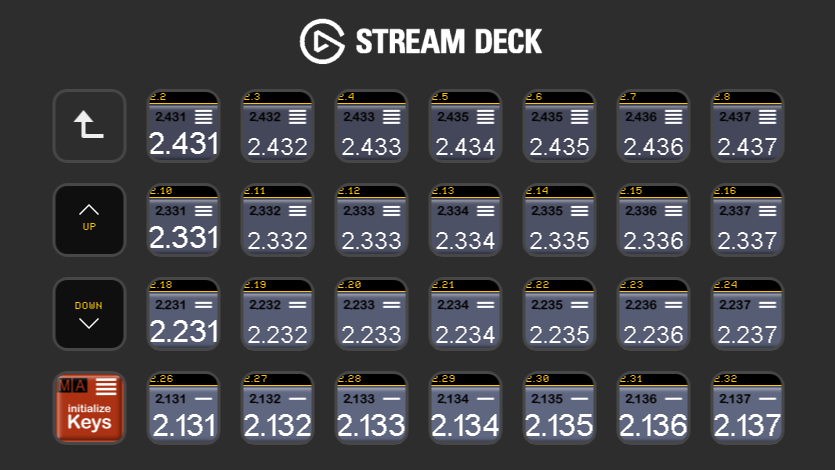
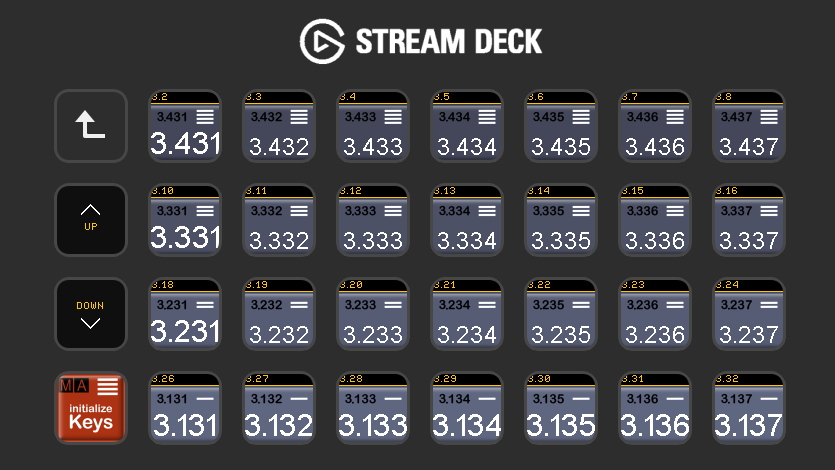
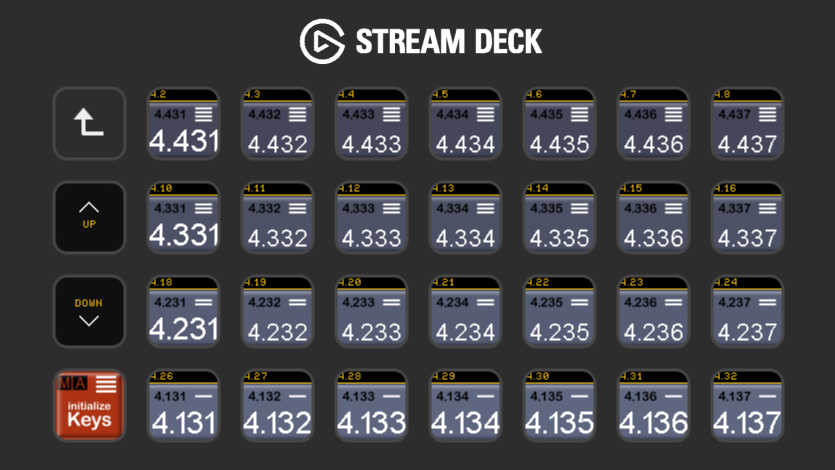
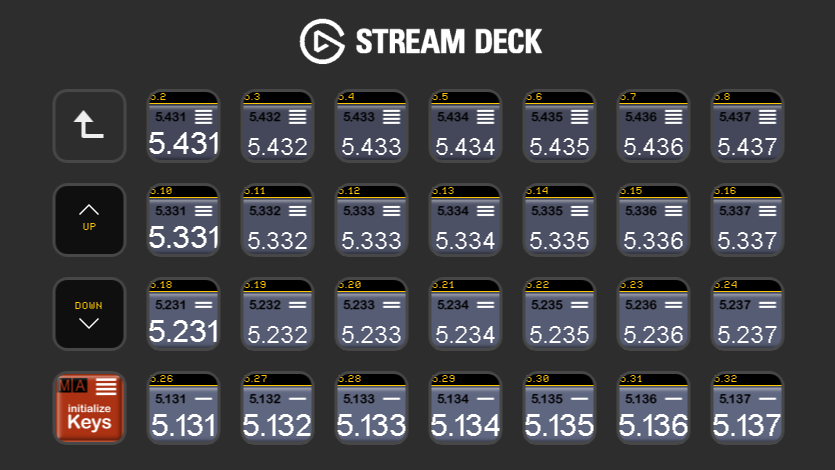

Directly choose a page for your executor section.
4 pages provide direct access to 112 fader pages. Of course these can also be labeled yourself, or your own images can be loaded. The labeling of the gma3 button is not yet adopted in this version. It can happen that after calling this page the keys have to be initialized the first time.

Direct access to all preset pools.
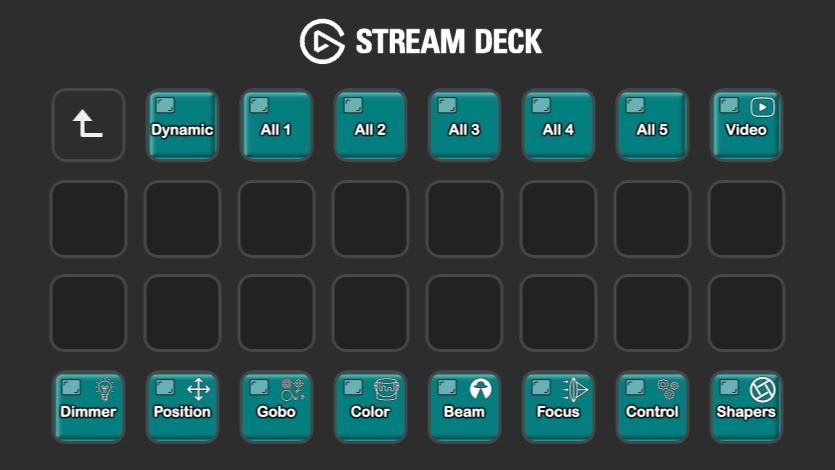
By pressing a button, the corresponding preset pool is opened on a display of your choice. Please take a look at the menu item Display Settings.

Direct access to all pools.
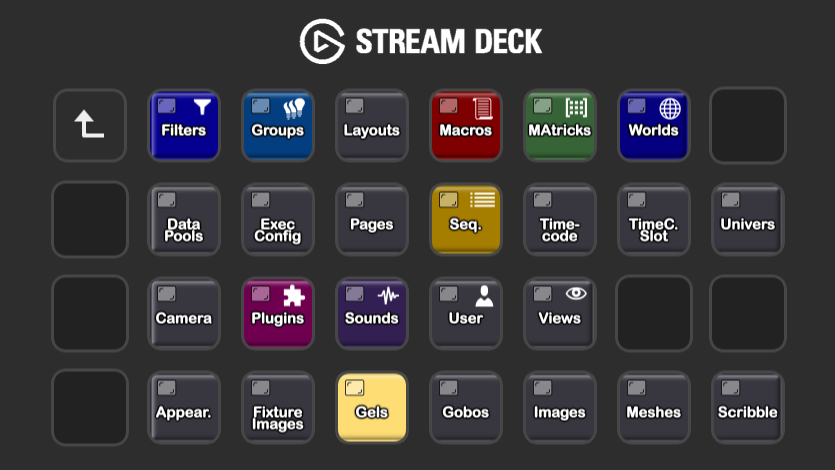
By pressing a button, the corresponding pool is opened on a display of your choice. Please take a look at the menu item Display Settings.

Direct access to all Sheets.
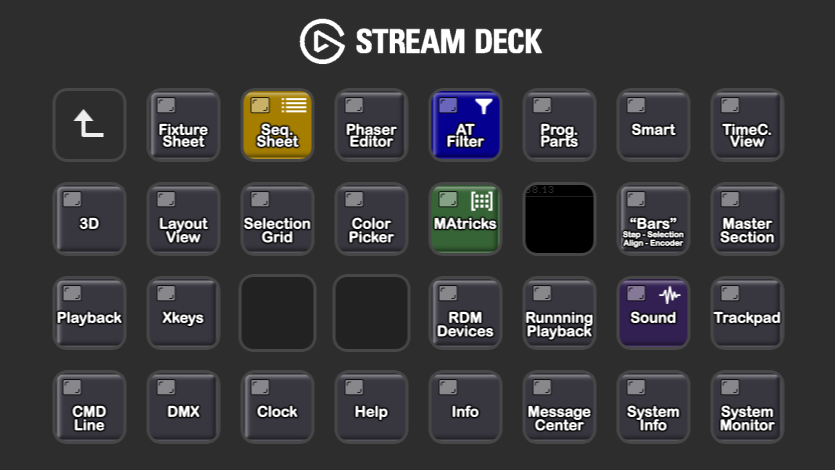
By pressing a button, the corresponding sheet is opened on a display of your choice. Please take a look at the menu item Display Settings.
Direct access to the most important sheets. The 8 most important sheets are stored in this row.
By pressing a button, the corresponding sheet is opened on a display of your choice. Please take a look at the menu item Display Settings.

The sheets smart and dynamic preset in connection with the lower row are particularly interesting. In the smartsheet you get direct access to all channel sets of the selected feature group of the selected fixtures. In the dynamic preset, the preset pool of the selected feature group is displayed.
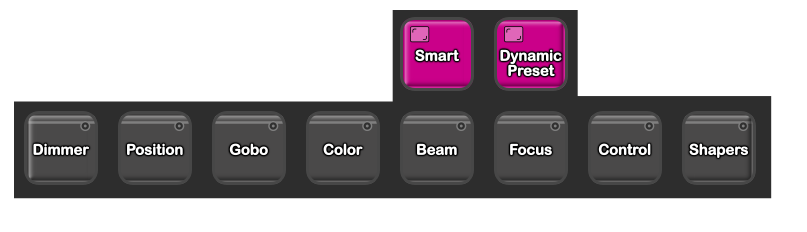
You can select a feature group directly. This is really handy and helps when working with the grandMA3 console. On Pc or GrandMA3 hardware, this function makes programming even more fun.

Troubleshooting
Thank you for purchasing the SD configuration. Sorry that it is Not working yet.
First we have to find the problem.
Please watch this small Video to check your system.


Check the Settings in Companion.
Especially the Surfaces Settings / Enable connected Streamdecks is an important setting to determine that the streamdeck control is controlled by the Elkgato software.
If you receive an error message in the grandMA3 command line.
Please understand that some of the functions work with variables. These variables must first be created. Please read the operating instructions for the relevant function. There are also videos on the Internet for most of the functions.
Many windows can be opened directly with the help of the stremdeck. But beforehand it has to be determined on which display these should be shown.
If the command Section is not working.
For the command area to function correctly, the corresponding connections must also be created in a new show file. These are created in the display settings area.
The Streamdeck configuration runs on MAC OS X and Windows. It is based on the Elgato Streamdeck software and Companion from Bitfocus.
Testet with :
Companion Version 4.2.6
Elgato StreamDeck Software 7.3.1




hornick-vt.com –
This is a great tool and a must-have for using the GrandMA 3 onPC Software, especially if you don’t have a Commandwing. It makes preprogramming very fast and provides many cool keys to quickly achieve your goals.
Buy it, you will love it.
Verified purchase. More information
richardvent –
Great tool to add to you setup!
Verified purchase. More information
mapetiteentreprise.lelay –
This Second version is great tool with the key pad numbers ads for more efficiency and more time saving. Best regards Vieth and thanks AddonDesk
Verified purchase. More information
nick.ipsen –
Incredibly helpful for running purely OnPC set ups. You wont regret the purchase.
Verified purchase. More information
manuel.wenger –
If you use onPC this is a must !
It speeds up programming and feels almost like you have a tiny conosle next to you.
Great graphic icons and good page layout makes it easy to naviagte arround.
Verified purchase. More information
moka.byls –
I’ve been using it for just over a year now, and it’s a great tool that’s a must-have if you’re working on MA3 OnPc, and even more so if you don’t have a control wing at home.
As hornick-vt.com said: Buy it, you’ll love it.
Verified purchase. More information
waltersajtos –
Great tool and also awesome support from Veith, absolutely a must have to fill the gap in your travel setup.
Buy it, you will love it!
Verified purchase. More information
justuswies.de –
Really good tool for ma3. Must have for on PC.
Verified purchase. More information
narr.max –
Best support team ever. Very quick reply time and very helpful. Sending love to you guys <3.
Verified purchase. More information
murat –
Really brilliant tool, and even better in the second version.
Highly recommended for anyone who has a stream deck.
The OnPC version makes programming much easier, but even with a console you have many practical functions at the push of a button.
The investment was more than worth it.
Verified purchase. More information
justinf1974 –
Great tool for programming OnPC at home. Will try with a console but I’m sure to find useful there as well. Support was great as well.
Thank so much for creating this! It is saving alot of clicks!!
Verified purchase. More information
micheljulien –
Attention, Fonctionne avec le plugin Companion qui est une vrai purge a configurer et qui dailleurs ne fonctionne pas pour moi sur mes setup ( Mac M1, Pc sous win 11 , pc sous Win 10, avec le StreamDeck XL, depuis 3 jours je tente de trouver les solutions ……mais toujours rien dans MA3 onPc.
J’espere etre le seul a qui cela arrive .
Verified purchase. More information
Veith Schmidt –
The Companion plugin works with all versions of Elgato software. Please reinstall the software and make sure that no old content remains. Use the attached video and troubleshooting instructions to check whether the signal flow is working correctly. This will help to narrow down the error. If the error persists, please contact support.
valentinlemarquier –
A great tool very practical to use. Especially when you work on a computer. But not only.
There are many possibilities and shortcuts. Very practical to use also with a console.
The Creator is very professional. His advice and his very precious help.
Verified purchase. More information
thomas.kolter –
Perfect and easy to use best customer support from Fiets. You should also try his MA Courses…
Thanks a lot
Verified purchase. More information
LD-Guy –
So many good things in here. Makes onPC easier
Verified purchase. More information
Veith Schmidt –
The Configuration is working fine for Software 2.2.x.x , Please reinstall the software and make sure that no old content remains. Use the accompanying video and troubleshooting instructions to check whether the signal flow is working correctly. This will help to narrow down the error. If the error persists, please contact support.
Verified purchase. More information
mathieu.fraschini –
Perfect tool for home worstation with or without Ma hardware.
work on last version 2.3.0.4
Thnak you!
Verified purchase. More information
alexgoldbergdesign –
This Stream Deck Setup for GrandMA3 is an absolutely invaluable tool for programming on the go. It massively speeds up the workflow in onPC software while working without a programming wing. Great for programming while traveling or at home before getting behind an actual MA3. I can highly recommend integrating this solution into your programming workflow!
Verified purchase. More information
ricardgamez –
Not working when you are in session with other console
Verified purchase. More information
Veith Schmidt –
That is not correct. Since the Streamdeck connection involves transmitted OSC signals, these will generally also work in a session.