
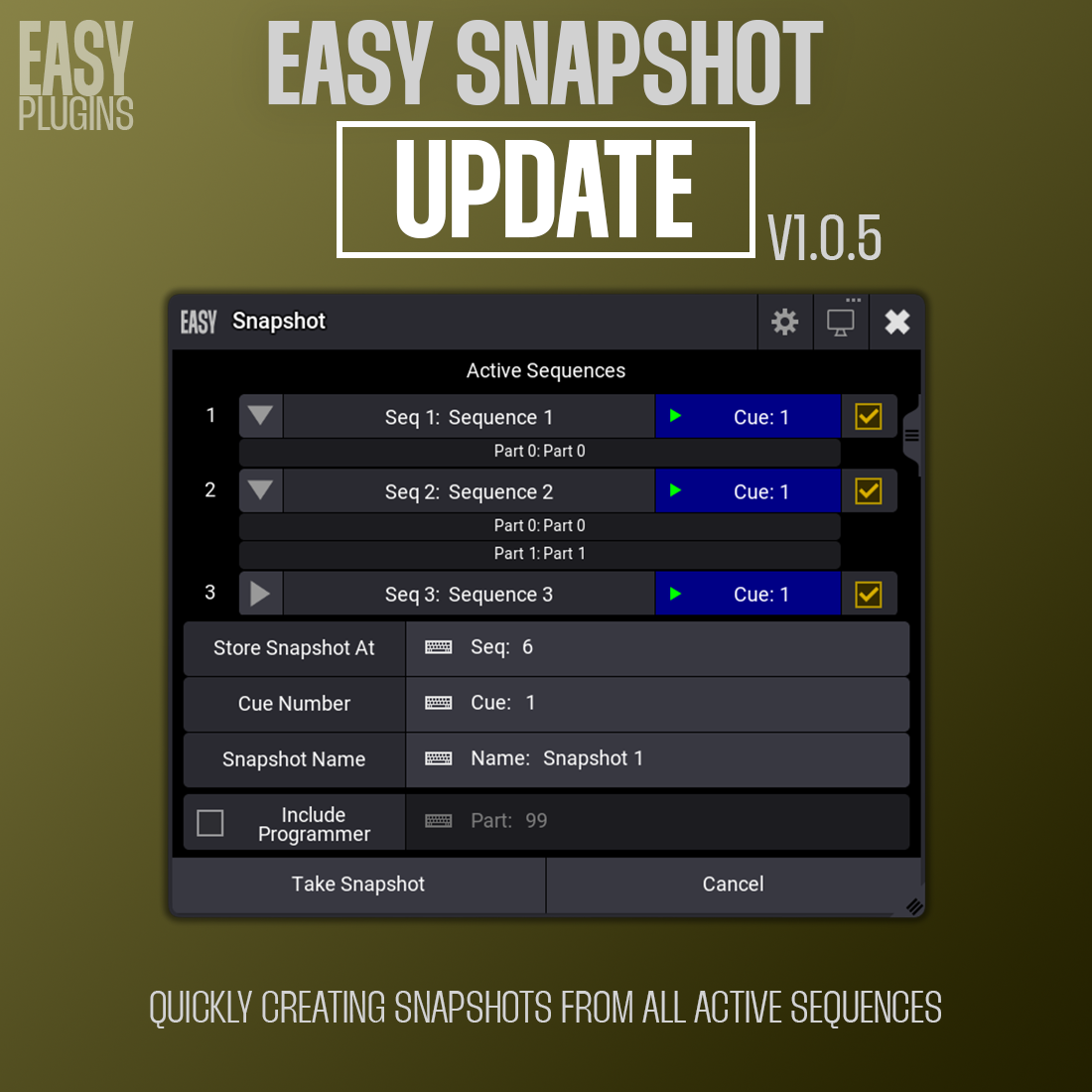

Description
v1.0.5
Features
- Copies all recipe parts from selected active sequences into a new or existing snapshot (Sequence/Cue)
- Optionally includes Programmer data as a separate part
- Detects and offers to remove duplicate recipes in the target cue
- Does NOT convert hard values to recipes—only existing recipes are copied
- Simple, intuitive UI with display selection and info window
How to Use
- Load and run the plugin in grandMA3
- Select which active sequences to include in the snapshot
- Specify the destination Sequence, Cue, and Snapshot name
- Optionally enable Include Programmer to add programmer data
- Click Take Snapshot to copy all recipe parts
- After storing, you can automatically remove duplicate recipes if found
Notes
- The plugin only copies existing recipe parts or regular cues as they are
- Programmer data is only included if it contains recipes or values
- If a part is empty (no recipes), it will not be copied to the snapshot
- The plugin does not convert hard values or non-recipe data into recipes
grandMA3 version 2.3.2.0 tested






Reviews
There are no reviews yet.