
Description
Highlight Knob
The tactile evolution for gMA3: move faster, program smarter.
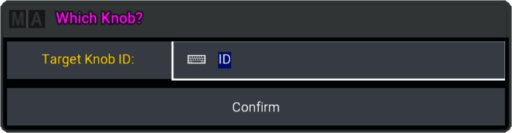
Flow Through Your Fixtures
Stop mashing buttons to find the right light. Highlight Knob brings a fluid, tactile feel to your programming. By repurposing a physical knob, you can navigate your selection order with precision.
Don’t waste time clicking. Scroll your rig.
The Workflow
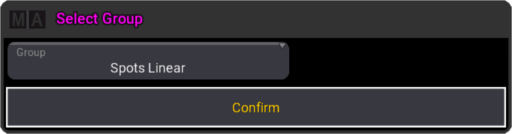
1. Push the button to select a group
2. Highlight Knob activates Highlight for you
3. Rotate to scroll through fixtures.
4. Ready to check.
Precision Selection
Clockwise for Next, Counter-clockwise for Previous. Total control at your fingertips.
🚀Fast Navigation | 🎛️Native Feel (Rotary Knob) | 🚩Best choice for multi-pixel fixtures | 💡Auto Highlight Activation |




Reviews
There are no reviews yet.